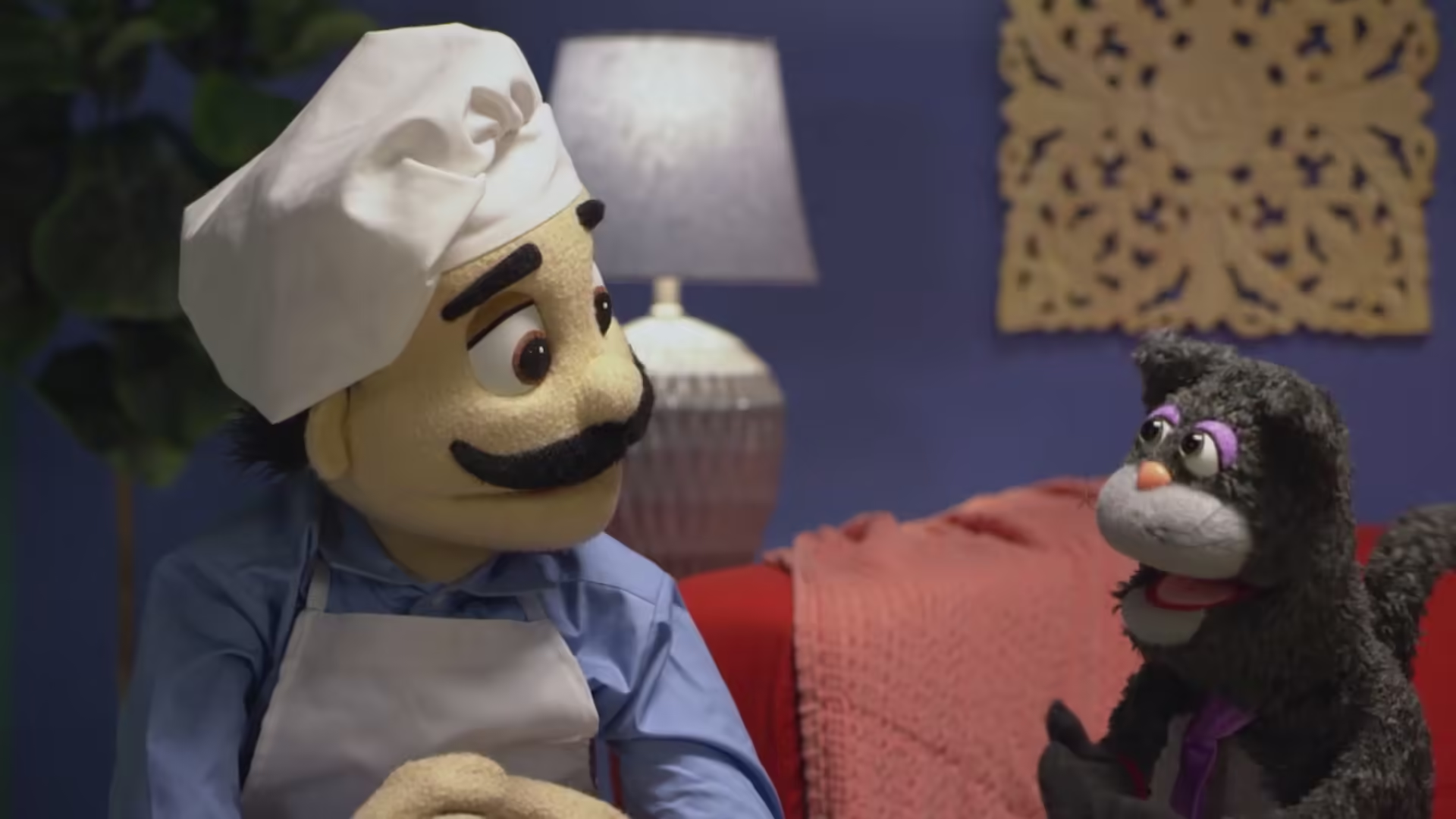
September 2019 International also known as the 'September international show 2019' is the generic fall show released September 2019 for international stores only.
Featuring a variety of songs released from 2014-2019. This show features 6 Songs
Show List:
- Skit 1
- Chuck E., Munch, & Bella B. - 'Play All You Can Play'
- Intermission 1
- Universal Kids - 'Waldo'
- Kabillion - 'Barbie'
- Countdown - 'Is It Love'
- Skit 2
- Pasqually - 'Cat Sitting'
- Intermission 2
- Chuck E. Cheese YouTube Promo
- BTS - 'Lights'
- 1 Min Countdown
- Skit 3
- Chuck E. & Friends - 'Friendship Never Ends'
- Intermission 3
- Universal Kids - 'Norman Pickle Stripes'
- Jax Jones - 'Years & Years'
- Kabillion - 'Oddbods'
- Skit 4
- Helen & Bella B. - 'Bailando'
- Intermission 4
- Kabillion - 'Barbie Draw My Life'
- Unicorn!, Unicorn!, Unicorn!
- X Ambassadors - 'Boom'
- Skit 5
- Chuck E. & Friends - 'My Family'
- Intermission 5
- Universal Kids - 'Norman Pickle Stripes'
- KIDZ BOP Kids - 'Havana'
- 1 Min Countdown
- Skit 6
- Jasper T. Jowls - 'Jaspers Country Classic'
- Intermission 6
- Little Bitty Kitty Cat
- Kabillion - 'Oddbods'
- Kabillion - 'Barbie'
- Nigel & Ronnie Ep 1
- Jung - 'Still Kids'
Live Shows:
- Birthday Show (Cyberamic, Studio C, Weigl)
- Birthday Show (Spanish) (3stage, Cyberamic, Studio C, Weigl)
- Chuck E. Cha Cha (Cyberamic, Studio C, Weigl)
- Chuck E. Cha Cha (Spanish) (Cyberamic, Studio C, Weigl)
- Easy Dance (Cyberamic, Studio C, Weigl)
- Easy Dance (Spanish) (Cyberamic, Studio C, Weigl)
- Werewolf-Zomba-Franken-Conga (Cyberamic, Studio C, Weigl)
- Me & My Friends (Cyberamic, Studio C, Weigl)
Trivia:
This show is designed to play in international markets due to the fact most don't celebrate Halloween. That is why most of this show lacks any mention of the season minus Werewolf-Zomba-Franken-Conga.