Chuck E. Cheese's Show 2 2018
FmwZPe34QW09eRAYf7vA.avif
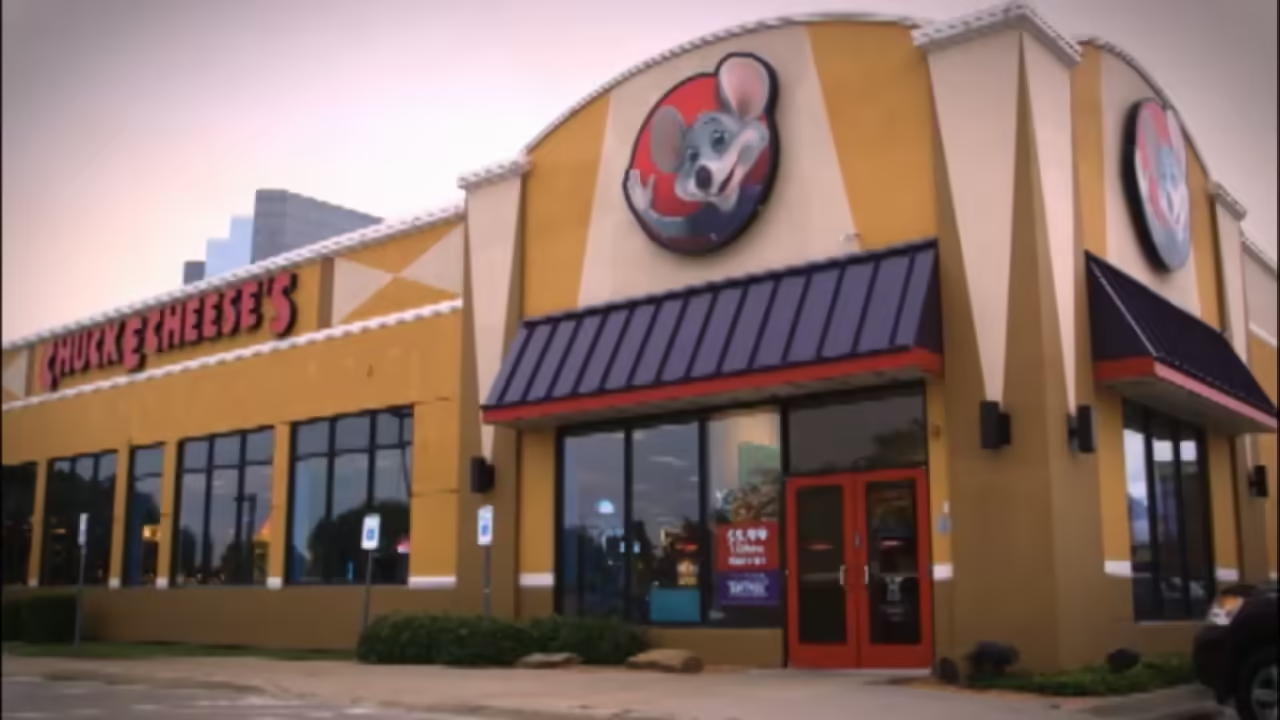
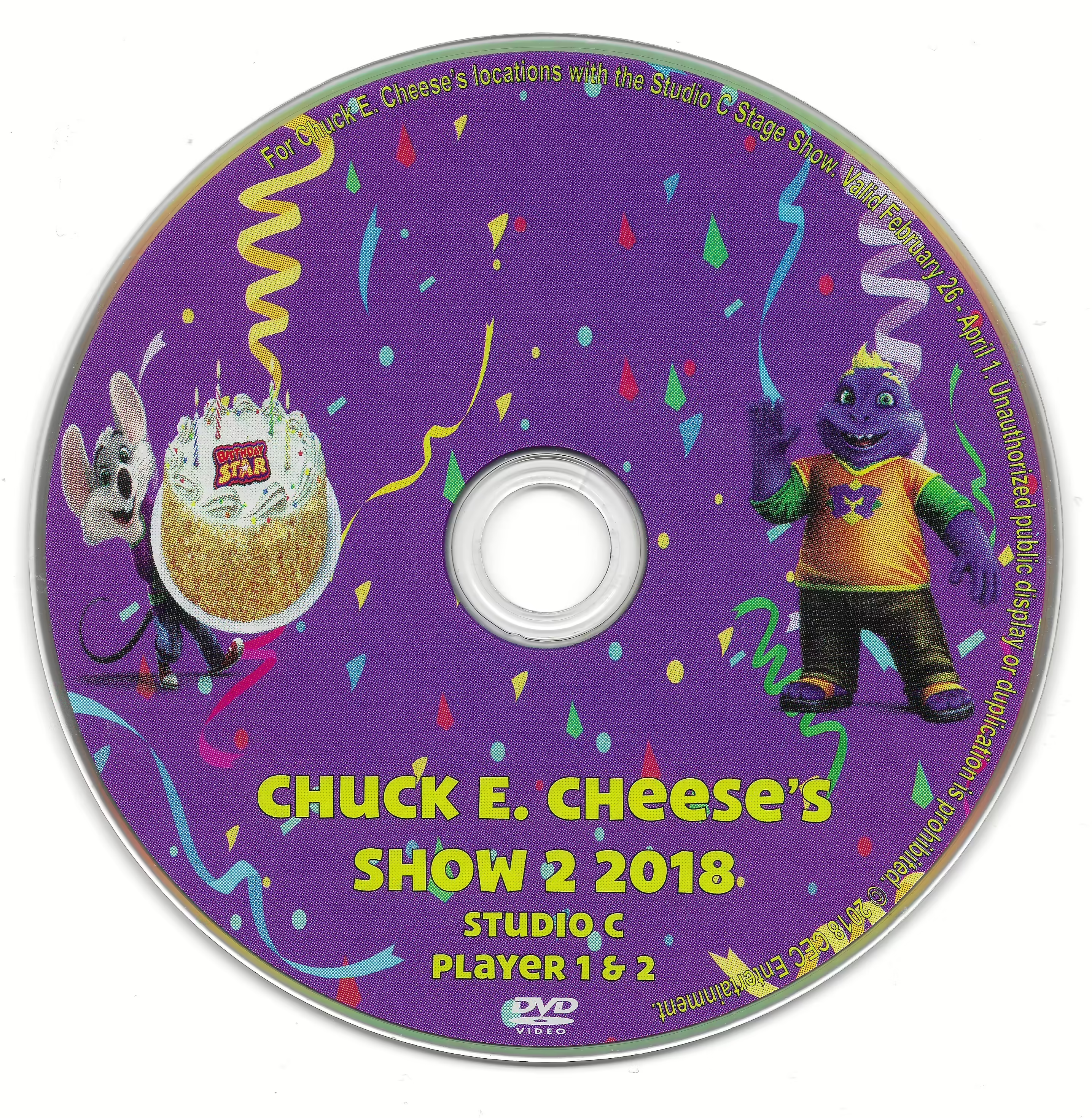
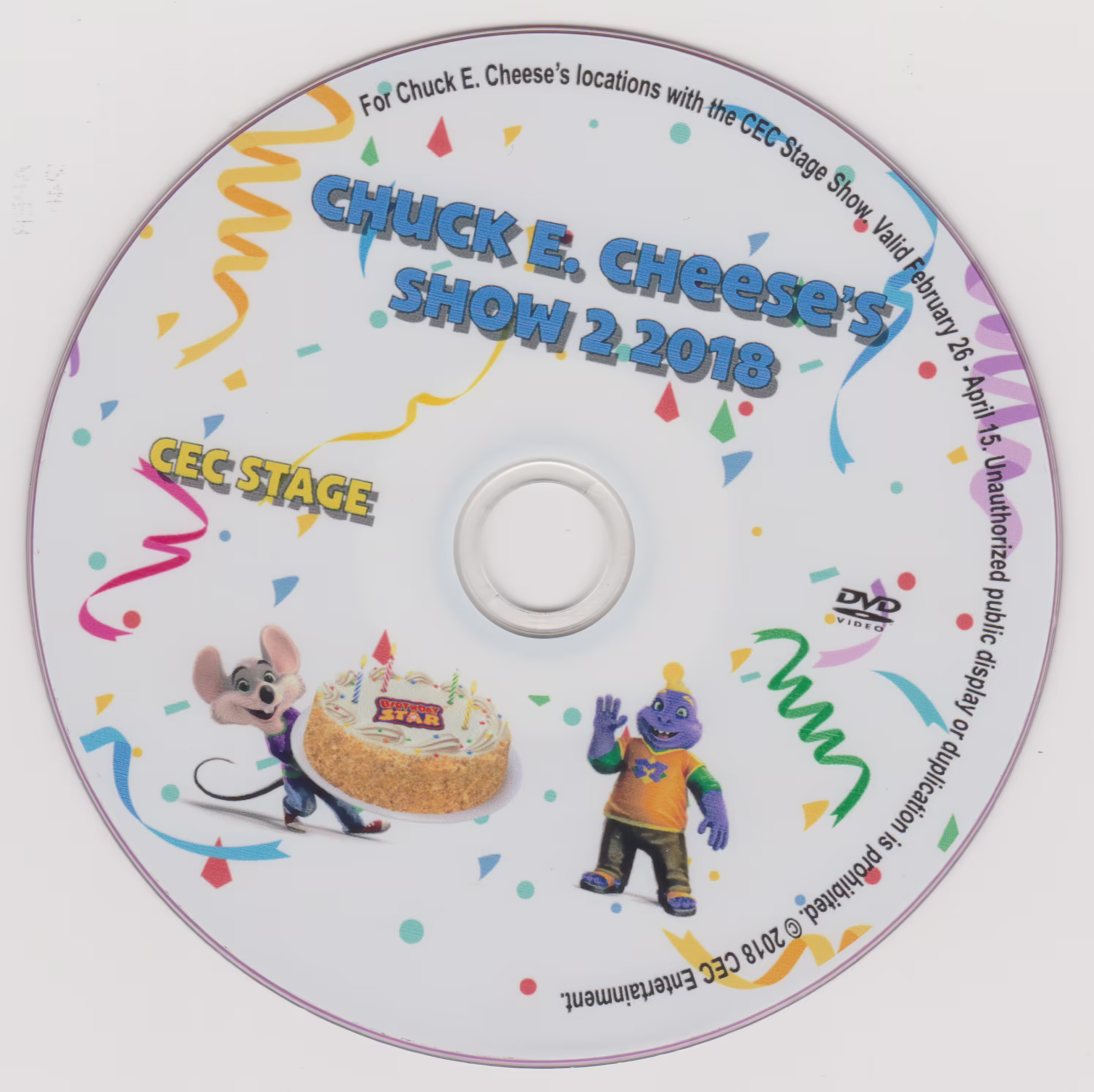
Chuck E. Cheese’s Show 2 2018 released February 26, 2018 This was created to play from February 26, 2018 - April 15, 2018. Featuring 5 songs and a brand new birthday! All 5 songs are reused.
Show list:
- Skit 1
- Happy Birthday, Munch!
- Intermission 1
- Miguel feat. Natalia LaFourcade - ‘Remember Me’
- Chuck E. Cheese Fundraisers
- Universal Kids - Kody Kapow - ‘Birthday Cake’
- Skit 2
- Mr. Munch & Chuck E. Cheese - ‘Purple Planet Point of View’
- Intermission 2
- Battery Pop - OmNom Stories Episode 1'
- Axwell Ingrosso - ‘Sun Is Shining’
- Chuck E. Cheese’s Birthdays - ‘Unlimited Games/Play Band’
- Ruff Ruff Tweet & Dave - ‘Doggy-Birdie-Panda’
- Carly Rae Jepsen - ‘I Really Like You’
- Chuck E. Cheese’s Made You Smile - ‘Tough Day’
- Skit 3
- Chuck E. Cheese - ‘Dancin’ Kitten’
- Intermission 3
- Lisa Loeb feat. Craig Robinson - ‘Feel What You Feel’
- Chuck E. Cheese’s Buffet
- Nick Jonas - ‘Home’
- Chuck E. Cheese’s Sensory Sensitive Sundays
- Jordan Fisher feat. Lin Manuel Miranda - ‘You’re Welcome’
- Battery Pop - ‘Problem Solved’
- Skit 4
- Chuck E. Cheese & Friends - ‘Trio’
- Intermission 4
- Sigrid - ‘Strangers’
- Universal Kids - Nina’s World - ‘Festival of Color’
- Taylor Swift - ‘Shake It Off’
- Skit 5
- Chuck E. Cheese - ‘Rainy Day’
- Intermission 5
- Musing with Mr. Munch Episode 3
- Chuck E. Cheese’s Made You Smile - ‘Birthdays’
- Stevie Wonder feat. Ariana Grande - ‘Faith’
Lives:
- Birthday Show 2018 (3stage, Cyberamic, Studio C,Weigl)
- Birthday Show (Spanish) (3stage, Cyberamic, Studio C,Weigl)
- Happy Dance (3stage, Cyberamic, Studio C,Weigl)
- Me & My Friends (3stage, Cyberamic, Studio C,Weigl)
- The Roll (3stage, Cyberamic, Studio C,Weigl)
- Chuck E. Says(3stage, Cyberamic, Studio C,Weigl)
- Do The Chuck E. (3stage, Cyberamic, Studio C,Weigl)
- Happy & You Know It (3stage, Cyberamic, Studio C,Weigl)
Trivia:
- Happy Birthday, Munch! and Purple Planet Point of View are originally from Chuck E. Cheese's Show 2 2017, Dancin’ Kitten is originally from Chuck E. Cheese’s Winter 2015|Winter 2015, Rainy Day is originally from Chuck E. Cheese's Show 3 2016, Trio is originally from Chuck E. Cheese's Show 3 2017.
- The Birthday Star Spectacular is complete redone from scratch being the first time CEC created a completely new birthday show since 2015!
Studio C DVD Scan.avif
FmwZPe34QW09eRAYf7vA.avif
Discs 2.avif
Numbered in the order they appear. Reference in article text with .
Fields here update the page's metadata. All saves go through a pull request for review.
Location-specific fields: store info, coordinates, animatronics, remodels, stages, etc.
Showtape-specific fields.
Product-specific fields: pricing, sales records, manufacturer info.