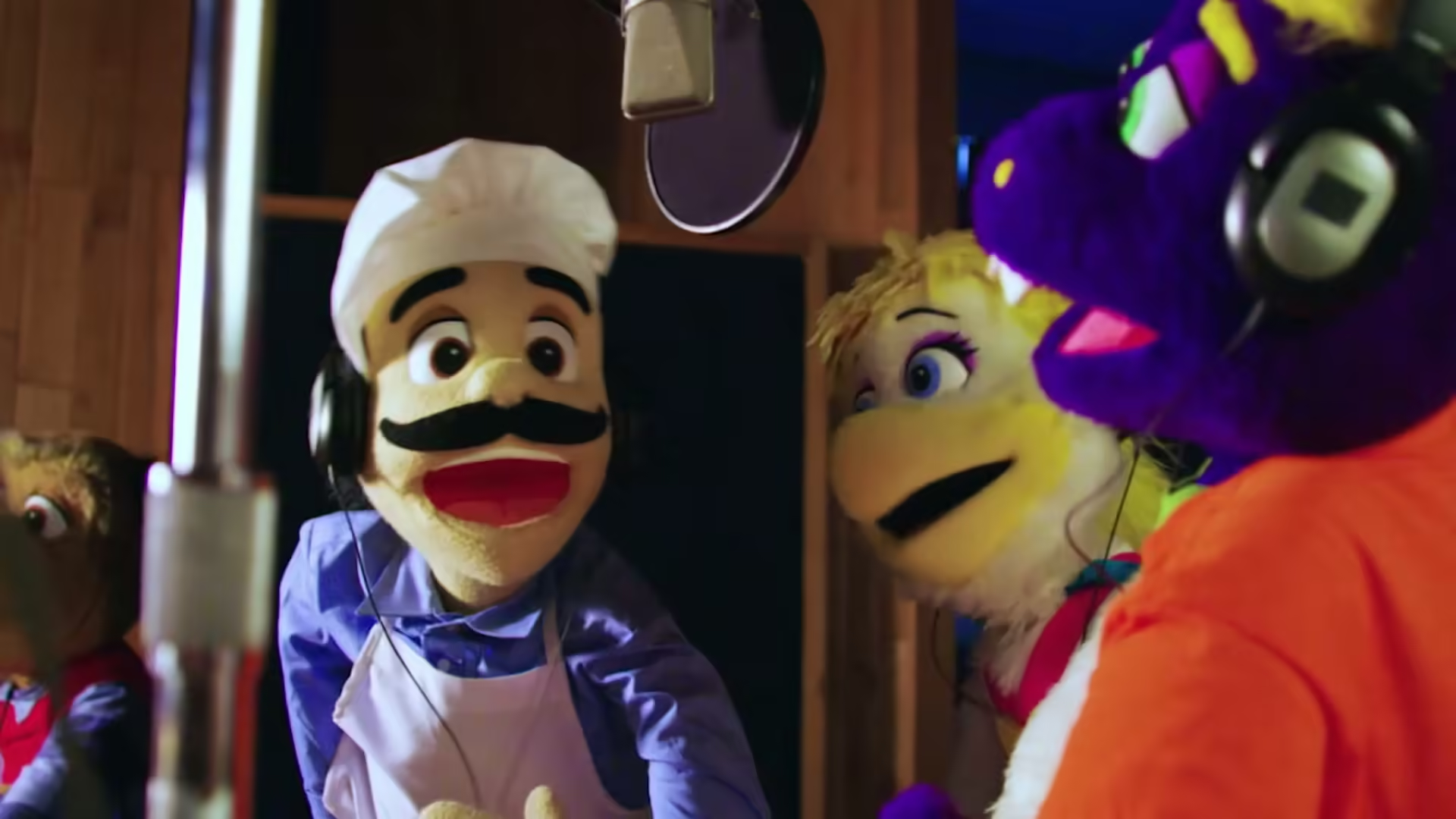
Chuck E. Cheese's Show 4 2021 (International Fall Show ENG Promo)
9bcN3fRjoS8Fpfa0e4DQ.avif
Show 4 2021 International Fall Show is the generic fall show released October 15th 2021 featuring a variety of songs from 2016-2019 This was created as an option for international stores that don’t celebrate Halloween.
Show List:
- Intermission 1
- English Safety Message
- BTS - ‘Lights’
- Skit 1
- Jasper & Munch - ‘Song Title’
- Intermission 2
- KIDZ BOP Kids - ‘Dance Monkey’
- Musing With Mr. Munch Ep4
- KIDZ BOP Kids - ‘Kings and Queens’
- Skit 2
- Chuck E. Cheese - ‘Let’s Have A Party’
- Intermission 3
- English Safety Message
- Koo Koo Kanga Roo
- Juicebox Jukebox - ‘Clean it Up’
- Skit 3
- Helen Henny - ‘Dream Big
- Intermission 4
- Martis - ‘Keep It Low’
- Jokes from Pasqually - ‘Early Bird’
- Silly Songs - Unicorn!, Unicorn!
- X Ambassador - ‘BOOM’
- Skit 4
- Jasper T. Jowls - ‘Jasper’s Country Classic’
- Intermission 5
- English Safety Message
- American Authors - ‘Best Day of My Life’
- Juicebox Jukebox - ‘ABC’s of You’
- Skit 5
- Jasper T. Jowls - ‘Nothing Like a Walk’
- Intermission 6
- Post Malone Ft. Swae Lee - ‘Sunflower’
- Nigel & Ronnie Ep3 - ‘The Fly’
- Skit 6
- Chuck E. & Friends - ‘My Family’
Live Shows:
- Birthday Show (Cyberamic, Studio C, Weigl)
- Birthday Show (Spanish) (Cyberamic, Studio C, Weigl)
- Birthday Show (Live at Home) (Cyberamic, Studio C, Weigl)
- Chuck E. Cha Cha (New Countdown) (Cyberamic, Studio C, Weigl)
- Easy Dance (New Countdown) (Cyberamic, Studio C, Weigl)
- Happy Dance (New Countdown) (Studio C, Weigl)
- Me & My Friends (New Countdown) (Studio C, Weigl)
Trivia:
- This was created as an option for international stores that don’t celebrate Halloween.
- The floppy disc for this show was accidentally sent to the Jacksonville Florida location instead of the Show 5, 2021.
- This was the first show to feature Spanish Covid Spots. They’re the same as the US ones except done in Spanish and is done by a girl’s voice.
9bcN3fRjoS8Fpfa0e4DQ.avif
Numbered in the order they appear. Reference in article text with .
Fields here update the page's metadata. All saves go through a pull request for review.
Location-specific fields: store info, coordinates, animatronics, remodels, stages, etc.
Showtape-specific fields.
Product-specific fields: pricing, sales records, manufacturer info.