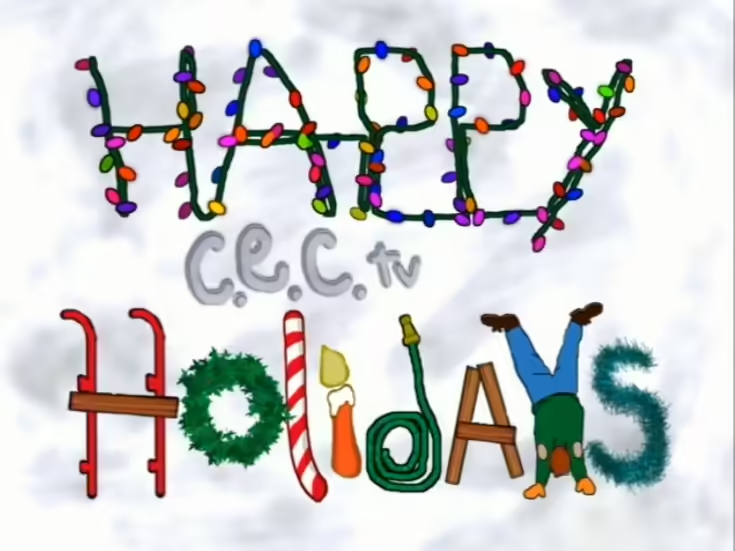
Holiday 2004
- Robert Gotcher: Director
- Matt Daniel: Production Coordinator
- Ryan Hollingsworth: Production Specialist
Holiday 2004 is an updated version of Holiday 2002 featuring new intermissions which played throughout December 2004. This show was rereleased as Holiday 2005 and Holiday 2006.
Show List:
- Intermission 1
- Ken Chuck E. Derby
- Funimation: ‘Santa Claus Bros.’
- Countdown (1995 Holiday footage)
- Holiday VJ Spot - Michael
- Segment 1
- ‘Deck the Halls
- ‘Up On The Housetop’
- Intermission 2
- Coke Spot
- Larry The Technician - ‘Decorating The Tree’
- ‘Boar’s Head Carol’
- Countdown (Holiday Lights)
- Holiday VJ Spot - Laura
- Segment 2
- ‘Jolly Old St. Nicholas’
- ‘Oh Christmas Tree’
- Intermission 3
- Eddie Coker - ‘Happy Holidays’
- Funimation: ‘A Wobots Christmas’
- Countdown (‘Holly Jolly Christmas’ footage)
- Holiday VJ Spot - Evan
- Segment 3
- ‘Jingle Bells’
- ‘I Heard The Bells’
- Intermission 4
- Ken Chuck E. Derby
- Coke Spot
- Funimation: ‘Connie The Cow’
- Countdown (‘Silver Bells’ footage / Holiday Party backgrounds)
- Holiday VJ Spot - Laura
- Segment 4
- ‘Toyland / March of the Wooden Soldiers’
- ‘We Wish You A Merry Christmas / Here We Come A Wassailing’
Live Shows:
Live Shows would be on separate VHS tapes for Existing Stage stores.
- Go Santa Go
- Chuck E. March 2001
- Havin’ A Party 2001
- Chuck E. Swing
- Bingo
- Happy and You Know It
- Birthday Star 2001
- Spanish Birthday 2001
- Chuck E Says 2002
- New Birthday (Birthday 2002)
Birthday Break: Happy Holidays logo with music (reused from Holiday Party) set to a 1 or 2-minute countdown, which would then lead to the Birthday show.
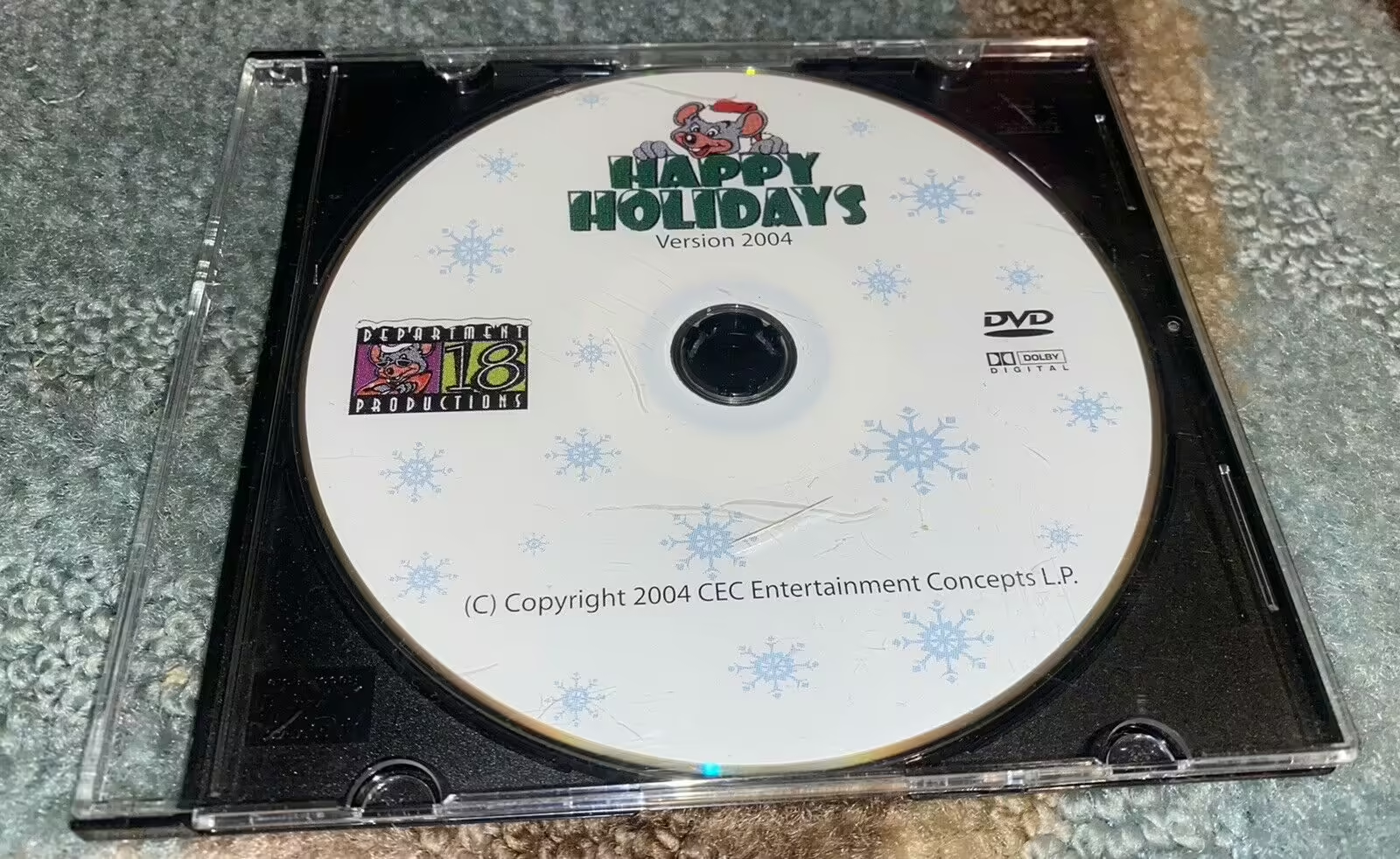
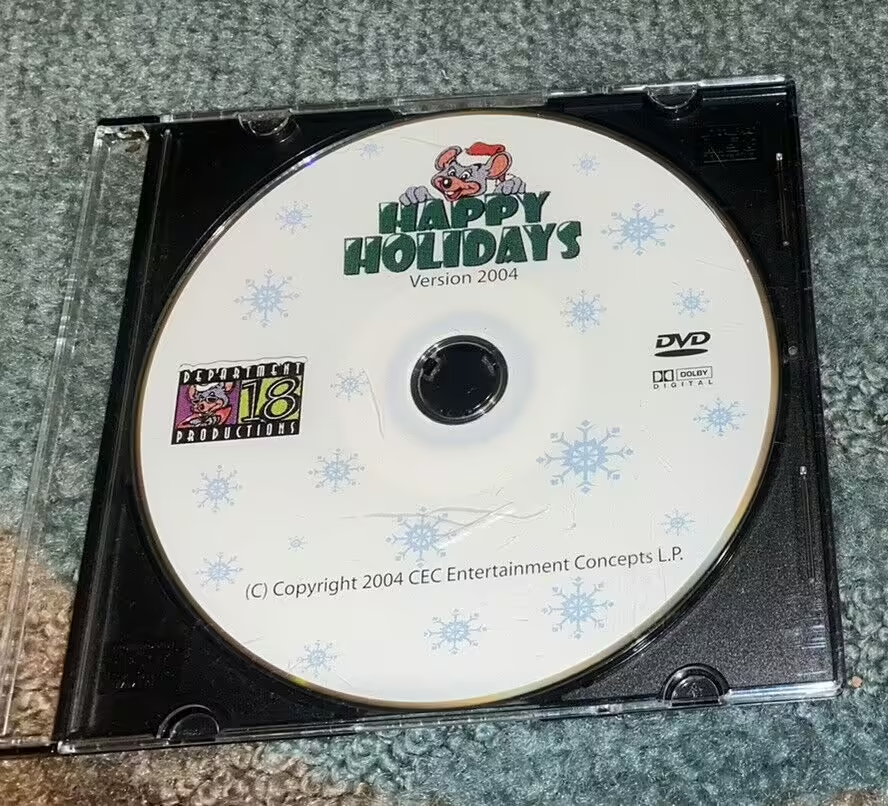

Numbered in the order they appear. Reference in article text with .
Fields here update the page's metadata. All saves go through a pull request for review.
Location-specific fields: store info, coordinates, animatronics, remodels, stages, etc.
Showtape-specific fields.
Product-specific fields: pricing, sales records, manufacturer info.