YouTooz Classic Chuck E. Cheese Plush
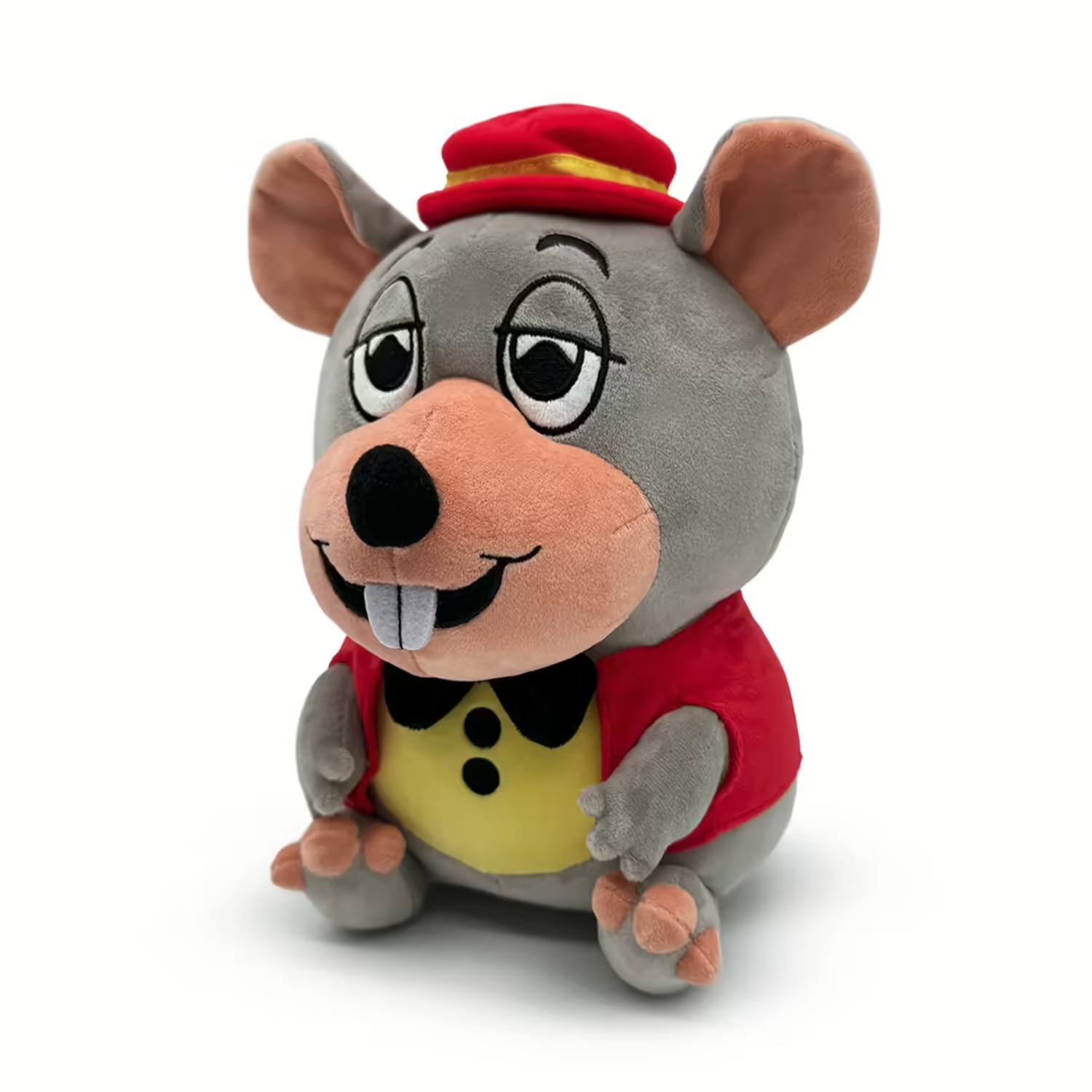
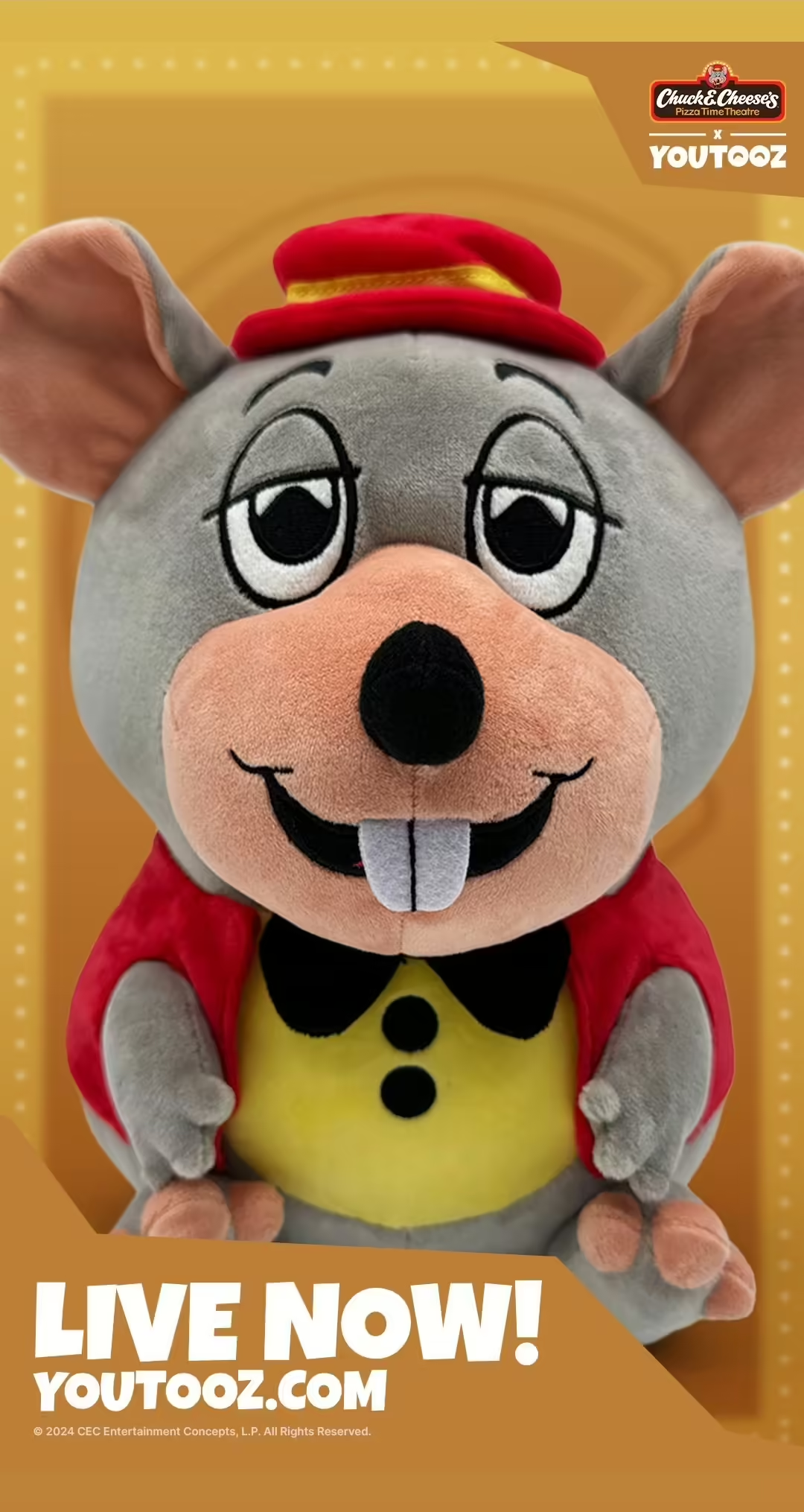
The YouTooz Classic Chuck E. Cheese Plush is an upcoming plush of Chuck E Cheese in his classic outfit from
Pizza Time Theatre .https://www.tiktok.com/@youtooz/video/7388608776221330731
History
The plush was first announced on July 6th at 3:40pm EST on Youtooz's TikTok account in a video showing the front and back of the plush, with the CEC song 'Pumpkins in my pockets' playing.(0) On July 10th, Youtooz would confirm in an AMA that the plush would be releasing in its own singular wave, and that more plushies were planned for the future.(1) On the 15th they would release a promotional advertisement for their various franchises in a parody poster of the movie Shrek. This would feature Chuck, Monty Gator from Five Nights at Freddy's, Ramona Flowers from Scott Pilgrim, and the V-tuber Chibidoki.(2) On the 16th they would confirm the plush would be shipping worldwide, being one of the few pieces of merchandise of its time to be directly available outside of the US.(3) On July 19th Youtooz would announce the plush to be dropping on July 23rd at 3pm EST, and lasting until July 30th.(4) The plush would plan to ship from November 1-30th of 2024.(5)Design
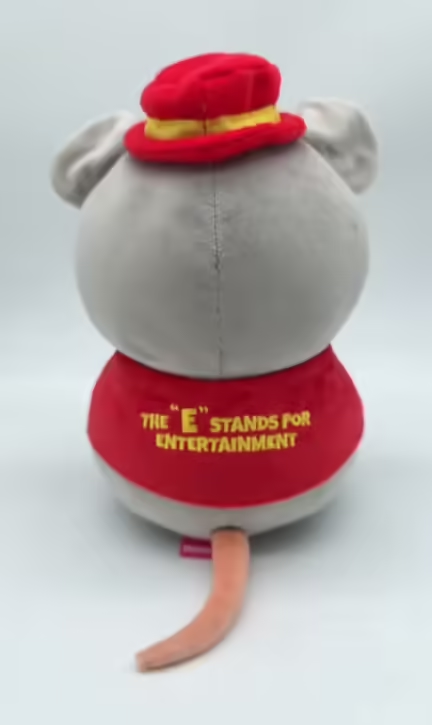
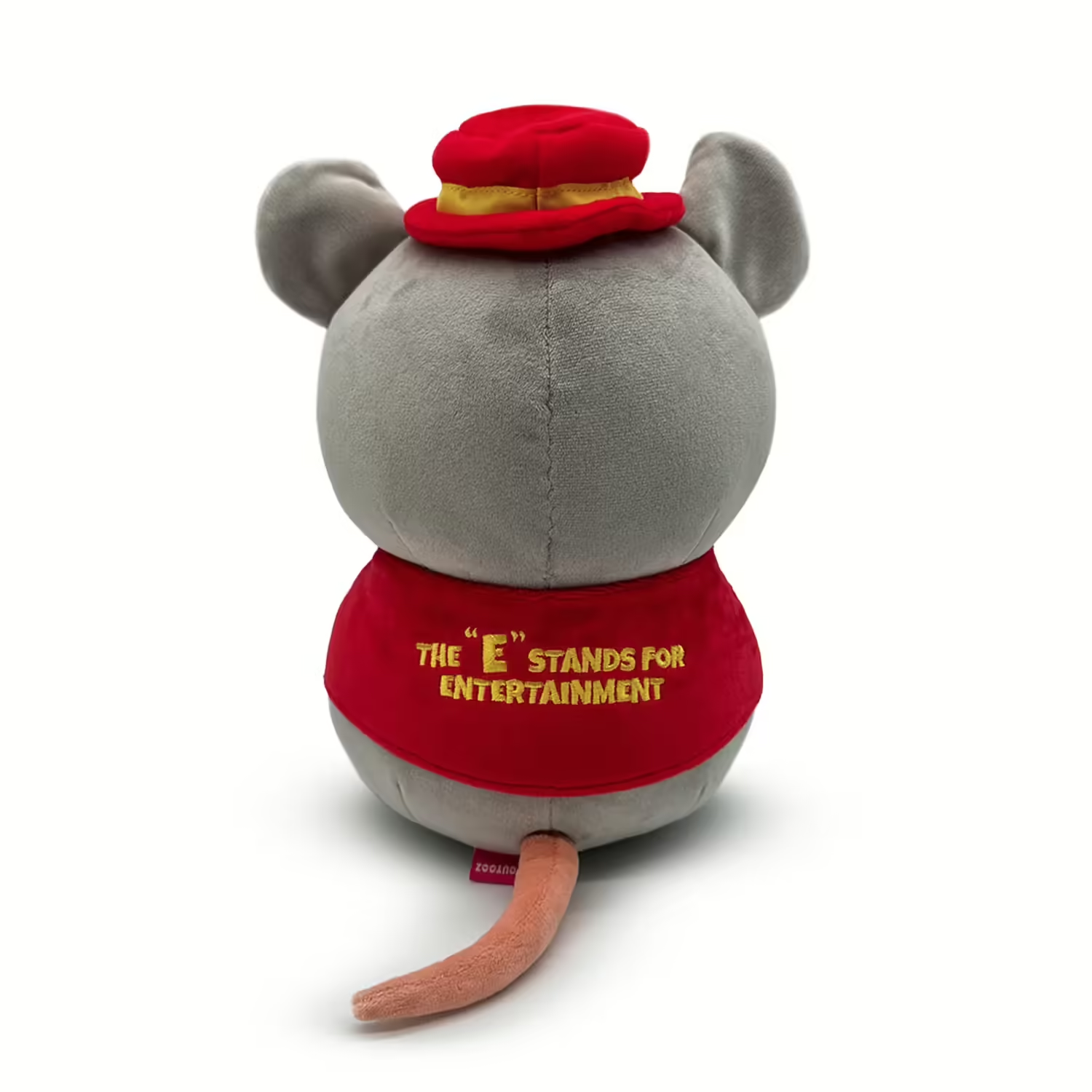
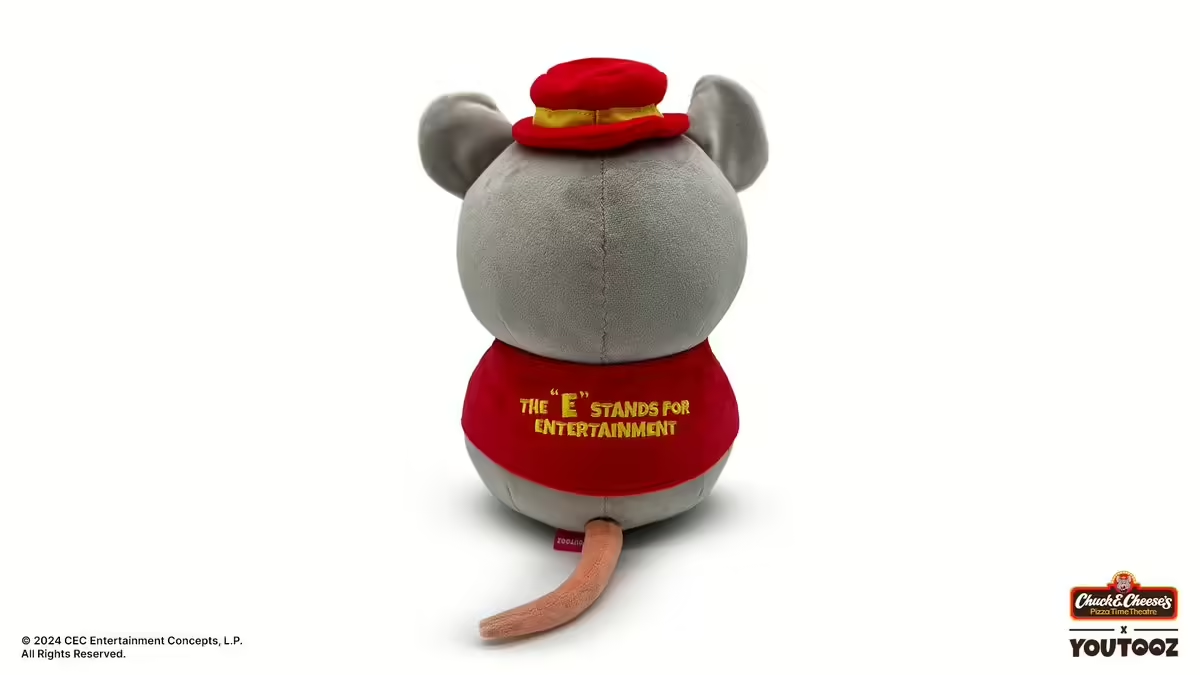
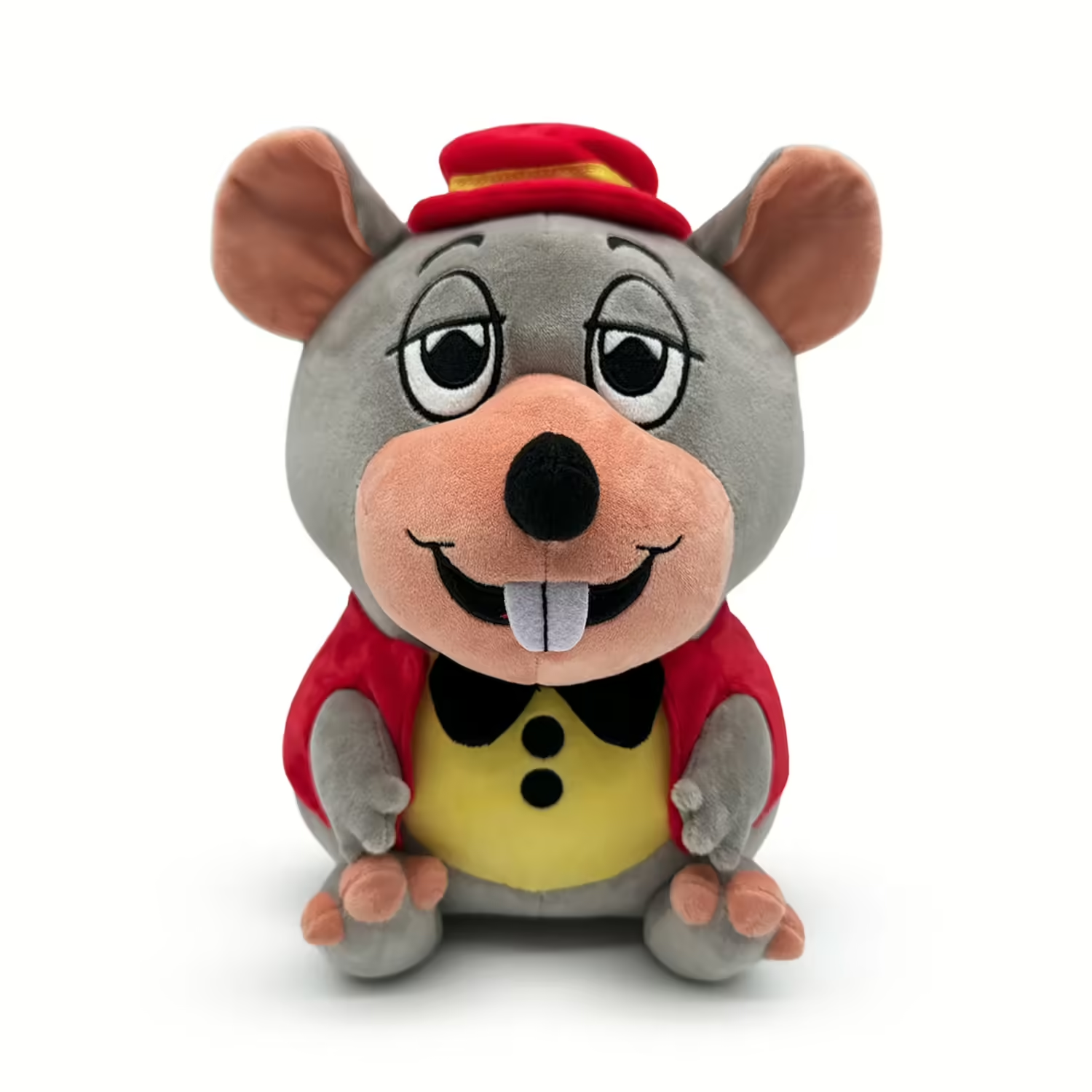
The design features Chuck E. Cheese in his classic Pizza Time Theatre red vest, yellow shirt, and red derby hat attire. His shirt features two black buttons and a bowtie. On the back of the vest features yellow lettering saying 'THE E STANDS FOR ENTERTAINMENT'. His notable rat tail is present as well. The plush is posed sitting down in a neutral position, with Chuck smiling and his eyelids half closed.References
- https://www.reddit.com/r/Youtooz/comments/1e07jgz/comment/lcl19fv/?utm_source=share&utm_medium=web3x&utm_name=web3xcss&utm_term=1&utm_content=share_button
- https://x.com/youtooz/status/1812927397572038656
- https://x.com/youtooz/status/1813277022598099150
- https://x.com/youtooz/status/1814345970307531177
- https://youtooz.com/products/classic-chuck-e-cheese-plush-9-inch
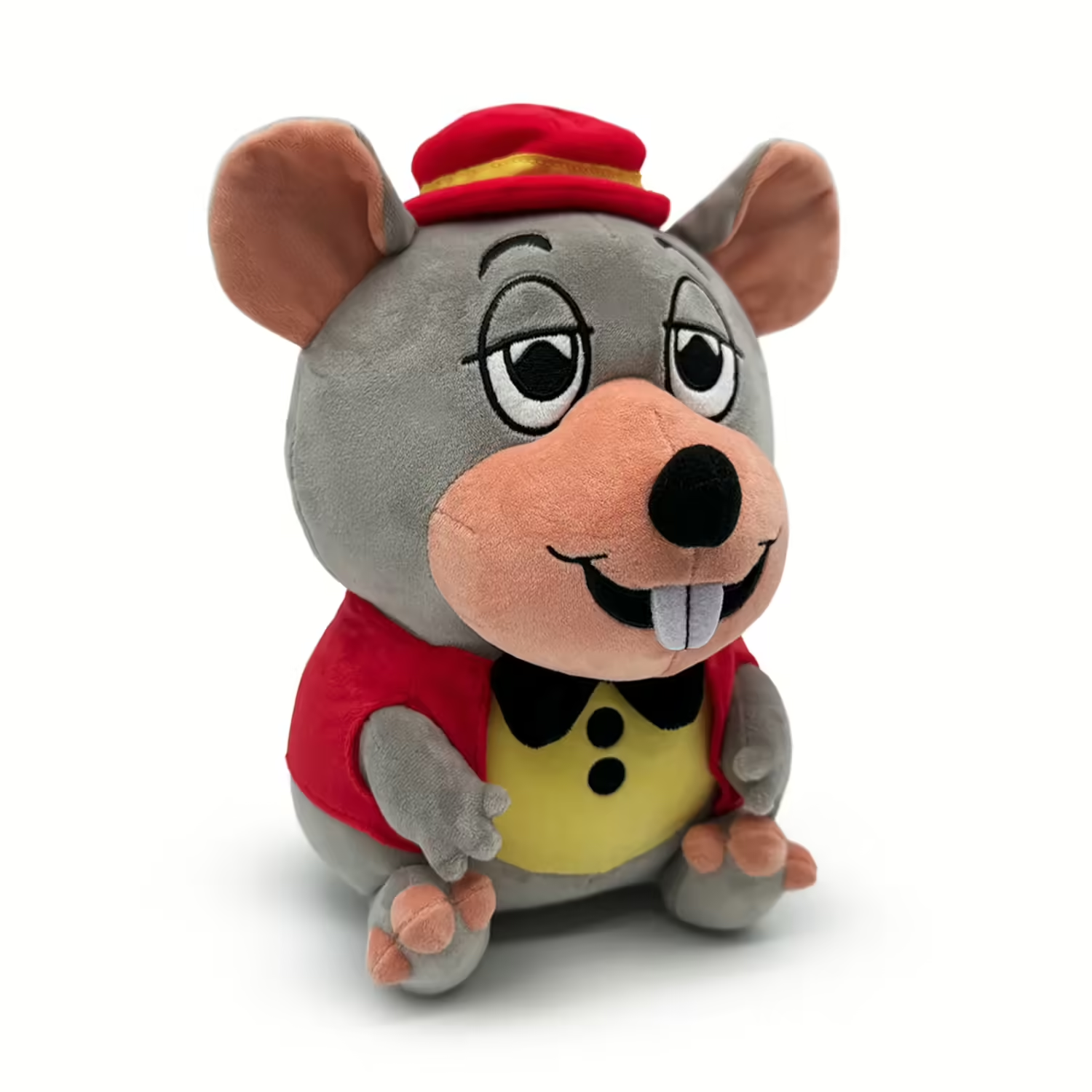
Promotional Image
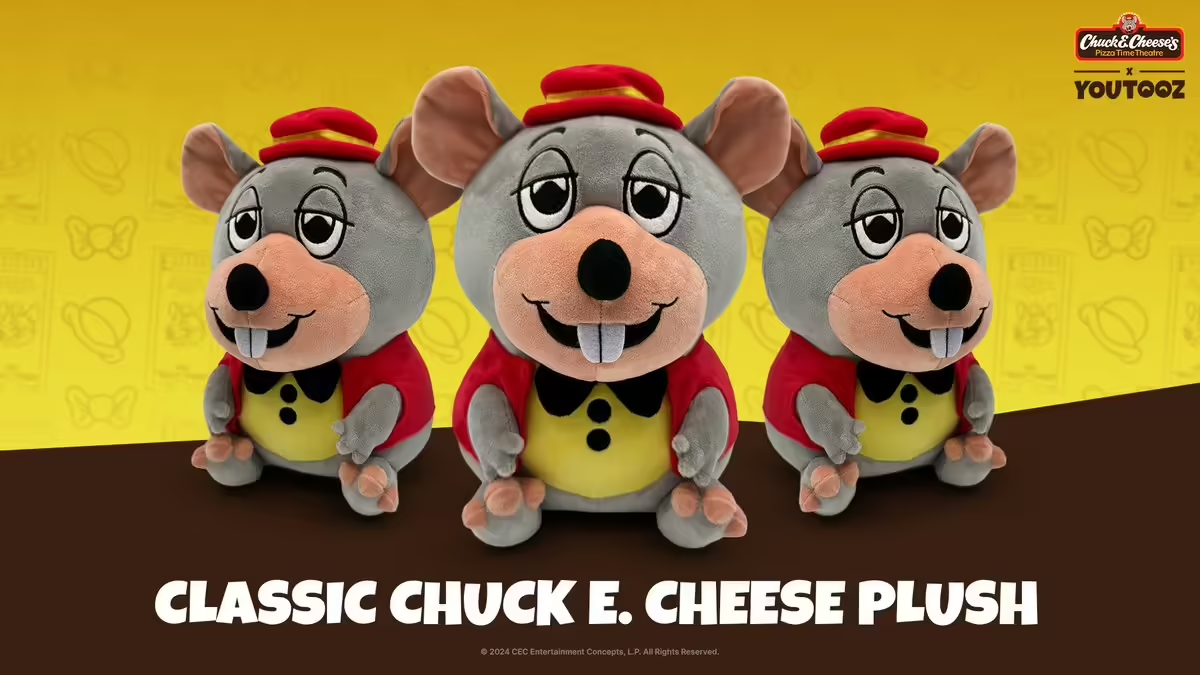
Promotional Image
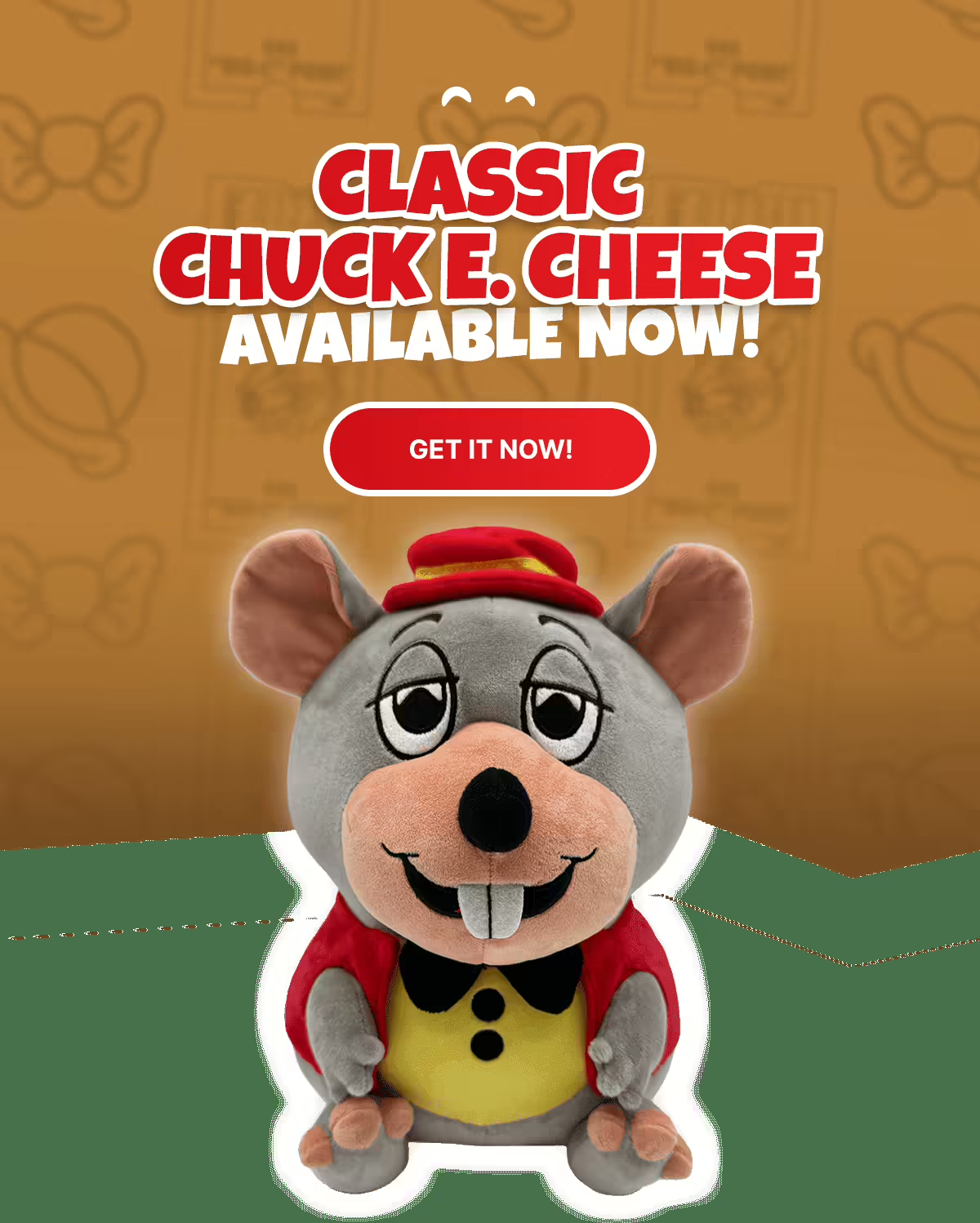
Promotional Image
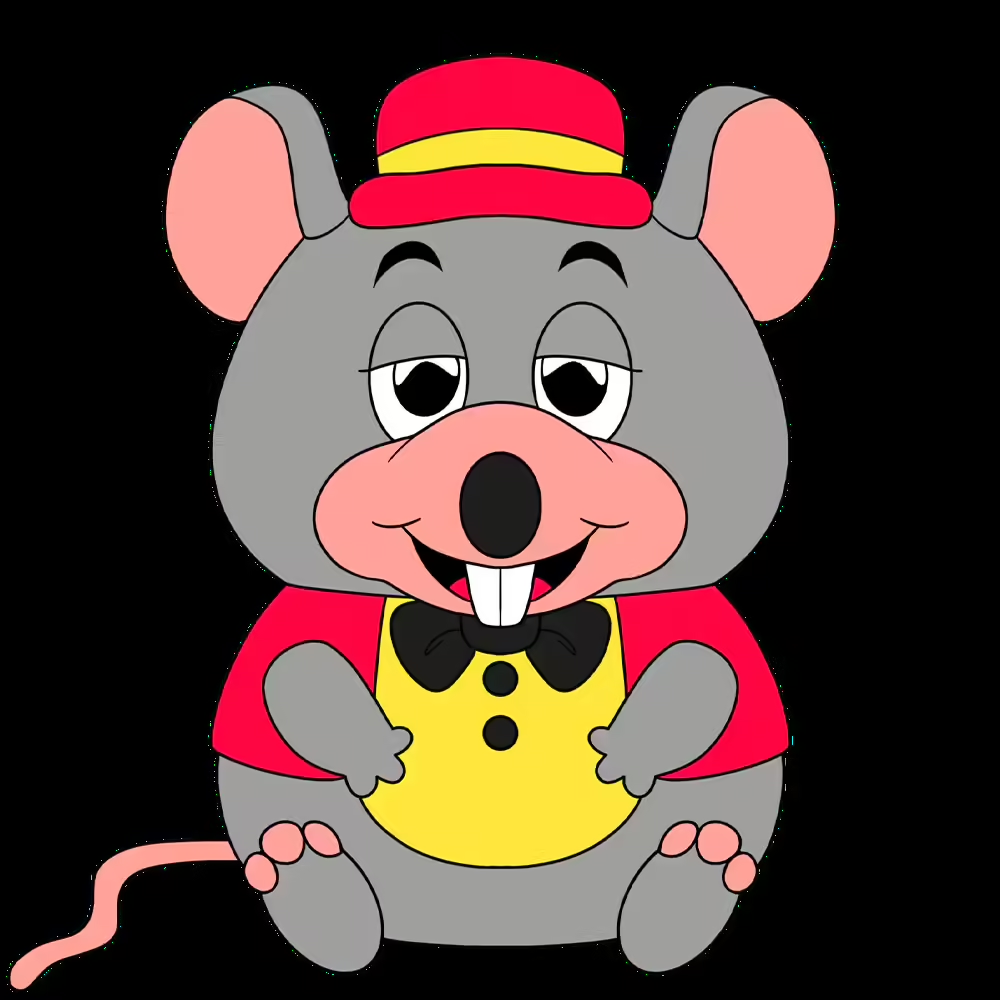
Promotional Art
Promotional Image
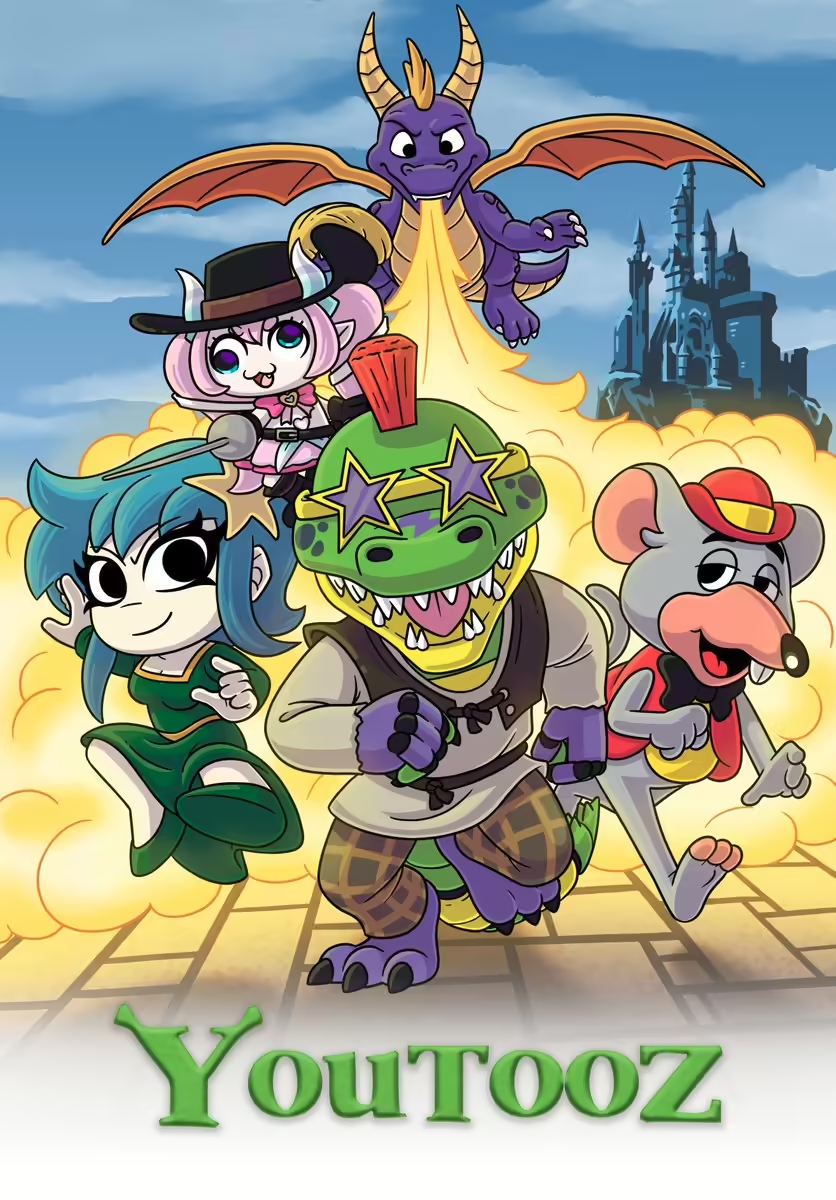
Youtooz ''Shrek'' parody poster, featuring Chuck E. Cheese.
Promotional Image
Plush Back
Promotional Image
Plush Back<ref>https://x.com/youtooz/status/1813267994941805021</ref>
Promotional Image